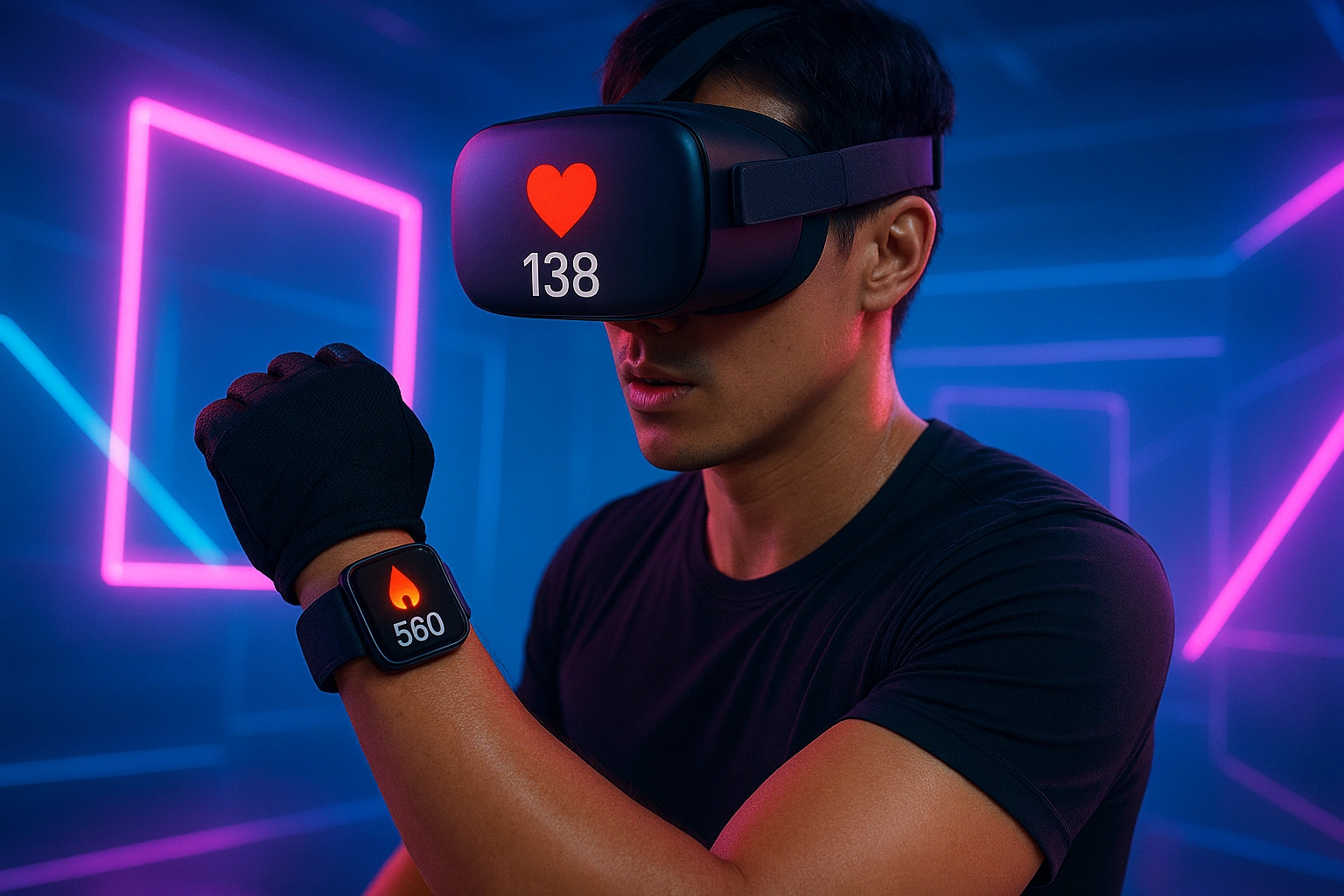
After reading this, you’ll know which watches are compatible, how to connect them, and how this simple pairing can unlock more accurate calorie tracking and a whole new level of performance in your favorite fitness apps.
What is VR Smartwatch Fitness Integration?
Smartwatch and VR integration is the process of connecting your wearable device (like a smartwatch or chest strap) to your VR headset via Bluetooth. This allows compatible VR fitness apps to display your live heart rate in-game and use that data to provide a much more accurate calculation of your calorie burn and workout intensity.
This connectivity is a major trend in the world of **wearables for VR workouts**. As the wearable tech market continues to surge, a trend covered by Statista, users are demanding that their devices work together in a seamless ecosystem. VR developers have responded by building in support for these external sensors, bridging the gap between your real body and your virtual one.
Why Connecting Your Watch is a Workout Game-Changer
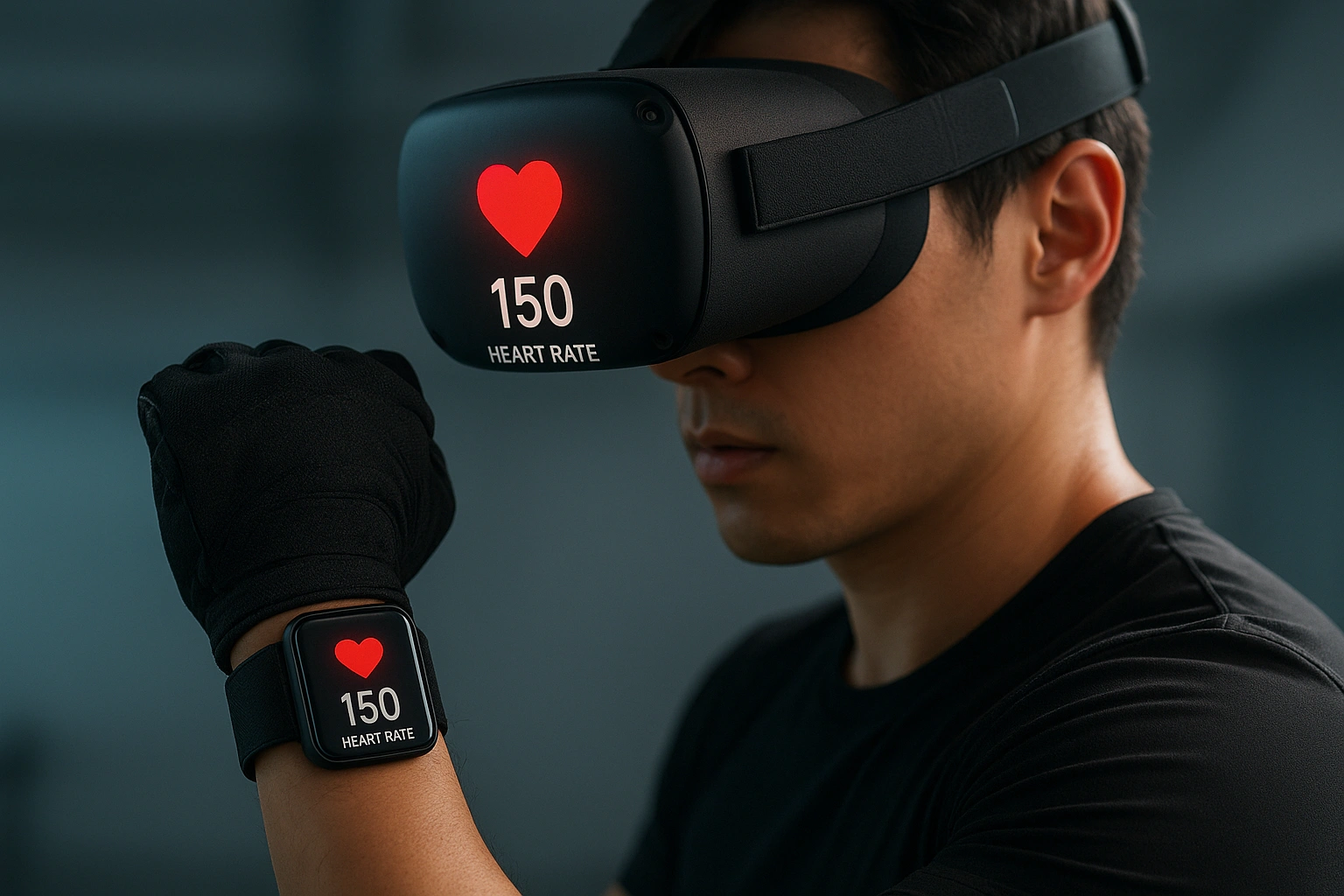
Adding heart rate data to your VR workout provides three key benefits that can revolutionize your training.
Get Truly Accurate Calorie Tracking
This is the biggest benefit. A headset alone is just guessing. Your heart rate is a direct measurement of how hard your body is working. By feeding this data to the app, you can transform a vague estimate into a scientifically valid measurement of your calorie burn, which is crucial for goals like weight loss.
Train in Your Target Heart Rate Zones
Seeing your live heart rate in VR allows you to train smarter. You can see if you’re in the fat-burning zone, the cardio zone, or pushing your peak limit. This allows you to moderate your effort to match your specific fitness goals, whether that’s building endurance or maximizing high-intensity intervals.
Unlock Biofeedback Experiences
The future of VR wellness lies in biofeedback. Apps like Healium already use your heart rate to influence the virtual world, rewarding you for calming your nervous system. As this technology grows, your smartwatch will become a key controller for a new generation of interactive wellness experiences. For more on optimizing your life with tech, see how a virtual assistant can boost productivity.
How to Connect Your Smartwatch to VR
The connection is made possible through a standard Bluetooth protocol. Here’s how it generally works:
- Enable HR Broadcasting on Your Watch: In your watch’s settings, you’ll find an option to “Broadcast Heart Rate.” This makes your watch discoverable as a standard Bluetooth heart rate monitor.
- Open a Compatible VR App: Launch a VR fitness app that supports heart rate monitors (e.g., Supernatural, FitXR, Les Mills Bodycombat).
- Pair in the App’s Settings: In the app’s settings menu, there will be an option to “Connect Heart Rate Monitor.” Select this, and your watch should appear in the list of available devices.
- Train with Live Data: Once paired, your live heart rate will appear on the in-game display, and the app will use it for its calculations.
In-Depth Reviews: The Best Wearables for VR Fitness in 2025
1. Apple Watch Series 10
The Apple Watch is the most popular smartwatch in the world, but connecting it to VR requires a workaround. It doesn’t natively broadcast HR over the standard Bluetooth profile. You need a third-party app on your iPhone to act as a “bridge.”
| Pros | Cons |
|---|---|
| Excellent heart rate accuracy. | Requires a companion app (like HEARTCAST) and your iPhone nearby to work. |
| Seamless integration with Apple Health. | The setup process is more complex than with other watches. |
| A fantastic all-around smartwatch. |
Best for: iPhone users who already own an Apple Watch and don’t mind a slightly more complex setup.
2. Garmin Venu 3
Garmin watches are a top choice for serious athletes, and they are perfect for VR fitness. Most modern Garmin watches can broadcast their heart rate using the standard Bluetooth profile natively, making the connection to your headset seamless and direct.
| Pros | Cons |
|---|---|
| Natively broadcasts heart rate over Bluetooth—no phone needed. | Smartwatch features are less robust than Apple Watch. |
| Excellent battery life, lasting for days. | |
| Top-tier fitness and health tracking features. |
Best for: Android and iPhone users who want a simple, direct, and reliable connection for their VR workouts.
3. Polar H10 Chest Strap
For those who demand the absolute best accuracy, a chest strap is the gold standard. The Polar H10 is widely regarded as the most accurate consumer heart rate monitor. It connects directly to your VR headset via Bluetooth with zero fuss.
| Pros | Cons |
|---|---|
| Medical-grade ECG accuracy. | Only tracks heart rate; no other smartwatch features. |
| Connects flawlessly and directly to VR apps. | Some users find chest straps less comfortable than watches. |
| Relatively affordable for its accuracy. |
Best for: Data purists and serious athletes who want the most accurate heart rate tracking possible.
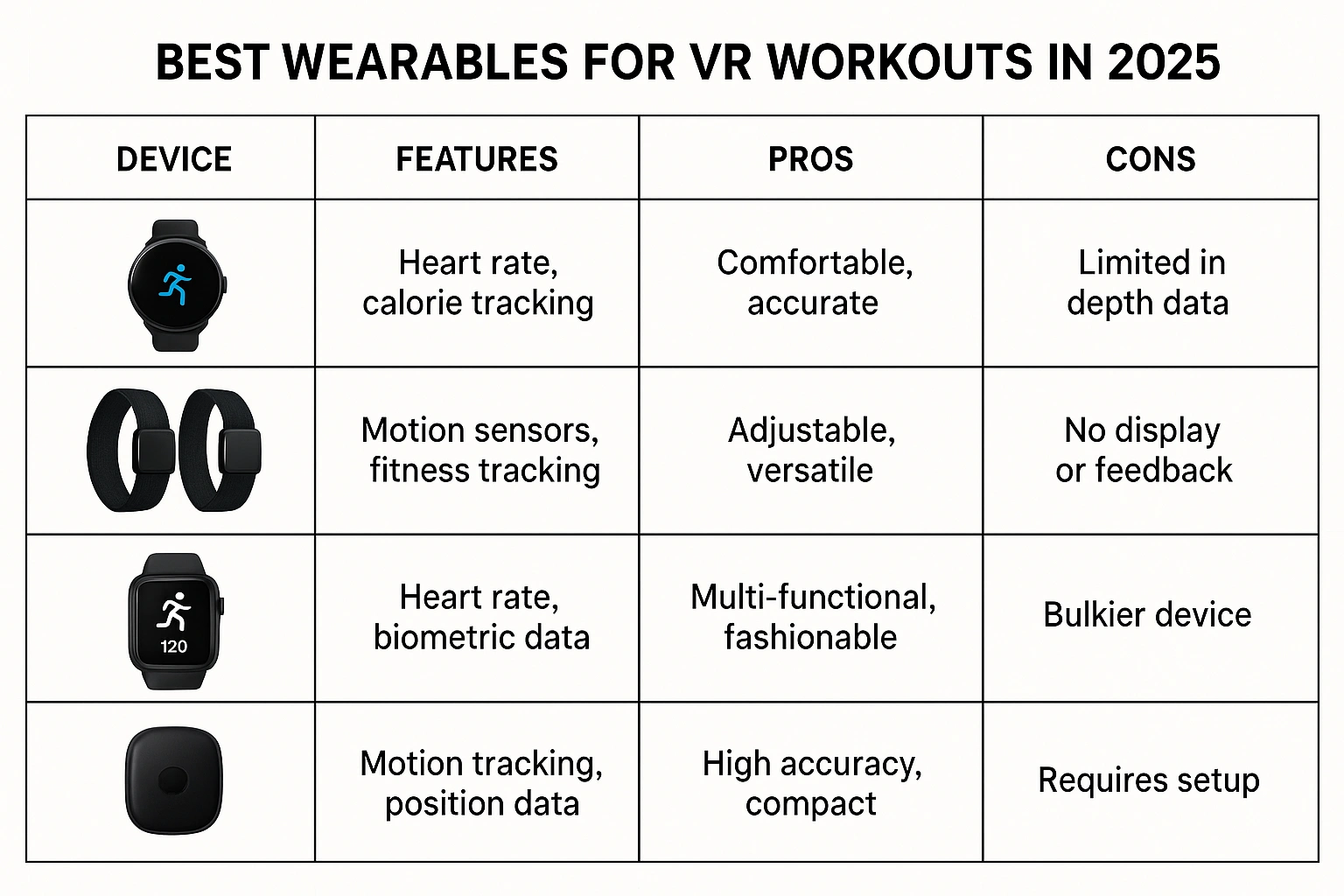
Comparison of the Best Wearables for VR Workouts 2025
| Device | Connection Method | Accuracy | Price Range | Best For |
|---|---|---|---|---|
| Apple Watch Series 10 | Indirect (via Phone App) | Excellent | $$$ | Existing Apple Users |
| Garmin Venu 3 | Direct Bluetooth | Excellent | $$$ | Simplicity & Reliability |
| Polar H10 Chest Strap | Direct Bluetooth | Gold Standard | $ | Maximum Accuracy |
Common Mistakes to Avoid When Connecting Your Watch
Avoid these common pitfalls for a smooth setup.
- Assuming Native Apple Watch Support: This is the biggest hurdle for new users. Remember, you need a third-party app on your iPhone to make an Apple Watch work with VR.
- Forgetting to “Broadcast HR”: You must manually enable this feature on your Garmin or Polar watch before it can be discovered by your headset.
- Trying to Pair in the Headset’s Main Settings: The connection is made within the specific VR fitness app, not in the headset’s main Bluetooth menu.
- Wearing Your Watch Too Loosely: For an accurate reading, your smartwatch needs to be snug against your wrist so the optical sensor has good contact with your skin.
Expert Tips for Your Data-Driven VR Workout
To get the most out of your connected setup, follow these expert tips.
- Use a Chest Strap for Ultimate Accuracy:
“While modern smartwatches are very good, an ECG chest strap is still the gold standard for heart rate data. For serious athletes who train in specific zones, the instant responsiveness of a chest strap is unbeatable,”
says a fitness tech reviewer.
- For Apple Watch, Use a Dedicated App: Don’t rely on free, ad-supported apps. A premium app like HEARTCAST or VRWorkout is more reliable and offers a more stable connection for a few dollars.
- Close Other Bluetooth Connections: For the most stable connection, try to minimize other active Bluetooth devices in the room during your workout.
- Track Your Progress Over Time: The real power of this data is seeing trends. Notice how your average heart rate for the same workout decreases over time as your cardiovascular fitness improves.
FAQ – Frequently Asked Questions
Q: Why is a smartwatch more accurate for calorie tracking in VR?
A: VR headsets can only estimate calorie burn based on movement. A smartwatch provides your live heart rate data, which is a much more accurate indicator of your actual effort and energy expenditure. This allows compatible VR apps to give you a far more precise calorie count.
Q: Can I connect any smartwatch to any VR headset?
A: No, compatibility is crucial. Most VR fitness apps that support heart rate data do so via a generic Bluetooth Heart Rate Profile. Many Garmin and Polar devices support this natively. For Apple Watch, you typically need a third-party companion app on your phone to bridge the connection.
Q: Is a chest strap better than a smartwatch for VR fitness?
A: For pure accuracy, yes. A chest strap like the Polar H10 provides the gold standard of heart rate monitoring. However, a modern smartwatch is more than accurate enough for VR fitness and offers far more versatility for daily use.
Q: Do I need my phone nearby to connect my watch to my headset?
A: For most Garmin and Polar devices, no. They can broadcast their heart rate directly to the headset. For Apple Watch, you will need your iPhone nearby running a companion app to act as a bridge.
Q: Will connecting my watch to VR drain its battery faster?
A: Yes, broadcasting your heart rate over Bluetooth will use more battery than normal. However, for a typical 30-60 minute workout, the impact on your watch’s overall daily battery life is usually minimal.
Conclusion